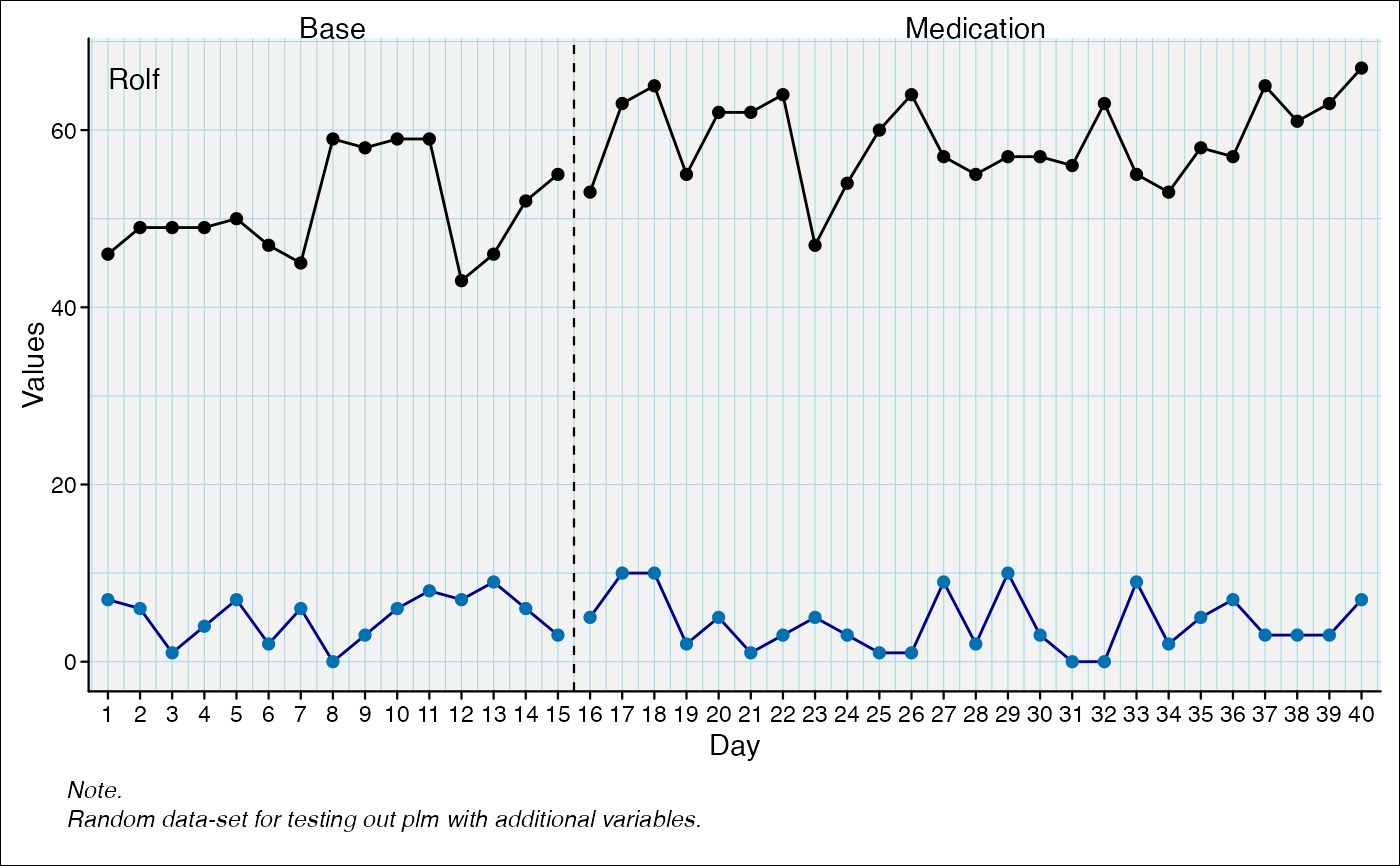
Set data lines of an scplot object
set_dataline.RdEither set aesthetics of the default data line or add another data line.
set_dataline(
  object,
  variable = NULL,
  line,
  point,
  type = "continuous",
  label = NULL,
  show_gaps = FALSE,
  ...
)

add_dataline(...)
Arguments
- object
An scplot object (class
scplot) returned from thescplot()function.- variable
Character with the name of a new variable for adding a new line. If left empty, the aesthetics of the default data line are changed.
- line
List with line parameters (
"colour", "linewidth", "linetype", "lineend", "arrow"). Seeelement_line().- point
A list with point parameters (
"colour", "size", "shape"). Seeelement_point().- type
Either "continuous" or "discrete". Specifies how the data line should be treated.
- label
A character string which is used to set the label in a legend.
- show_gaps
Logical. If TRUE, missing values in the data will result in gaps in the line. If FALSE, missing values will be ignored and the line will be drawn continuously.
- ...
As a shortcut, arguments passed here are bundled as
linearguments (seeelement_line()).
Value
An object of class scplot (seescplot()) with a changed
datalines element.
Details
The function allows customization of data lines by passing arguments such as
color, size, and linetype. If variable is left empty or set to
".dvar", the aesthetics of the default data line are changed. Otherwise, a
new data line is added for the specified variable.